Nest Hub: Complete Guide to Features, Benefits, and Real-World Uses of Google’s Smart Display
The Nest Hub, developed by Google, is a smart display that combines voice-controlled assistance with a touchscreen interface. Unlike smart speakers, it provides a visual experience for managing tasks, watching videos, controlling smart home devices, and more.
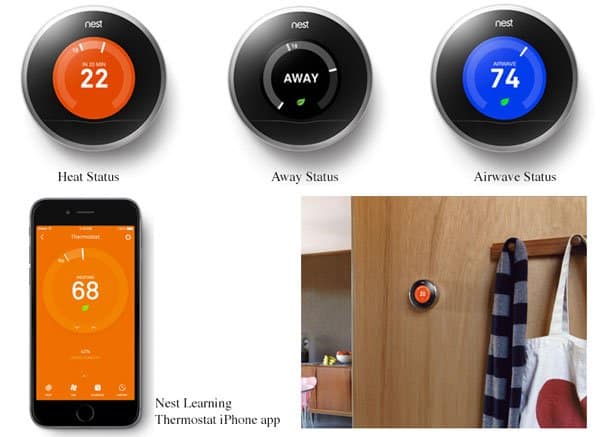
As part of the Google Nest ecosystem, the Nest Hub connects seamlessly with devices like the Nest Doorbell, Nest Thermostat, and Nest Cam. Its role in a modern smart home extends beyond being a voice assistant; it becomes a central hub for communication, entertainment, and household management.
What is the Nest Hub?
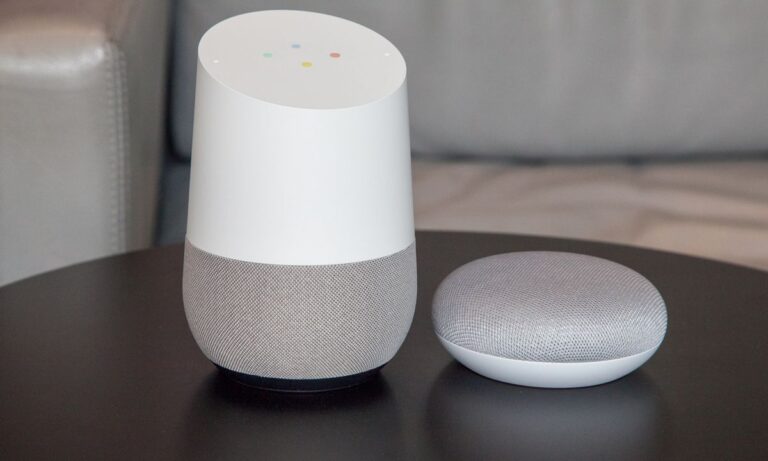
The Nest Hub is a smart display powered by Google Assistant. It features a touchscreen, microphone array, and built-in speaker, allowing users to interact through both voice and touch.
Originally launched as the Google Home Hub and later rebranded, the Nest Hub has evolved into an essential device for smart homes. It enables everything from streaming music and videos to managing daily routines and controlling smart devices through a central dashboard.
Key Features of Nest Hub
Smart Display with Google Assistant
The Nest Hub’s display provides visual context for Google Assistant responses. Instead of only hearing answers, users can view weather forecasts, maps, cooking instructions, and even personalized routines.
This combination of voice and visuals makes interactions more intuitive and engaging, particularly for tasks that benefit from visual aids.
Entertainment and Streaming
With support for platforms like YouTube, Spotify, and Netflix, the Nest Hub doubles as an entertainment device. Users can stream videos, listen to music, or cast content directly from their phones.
Its compact size makes it suitable for kitchens, bedrooms, or living rooms, turning any space into an entertainment hub.
Smart Home Control
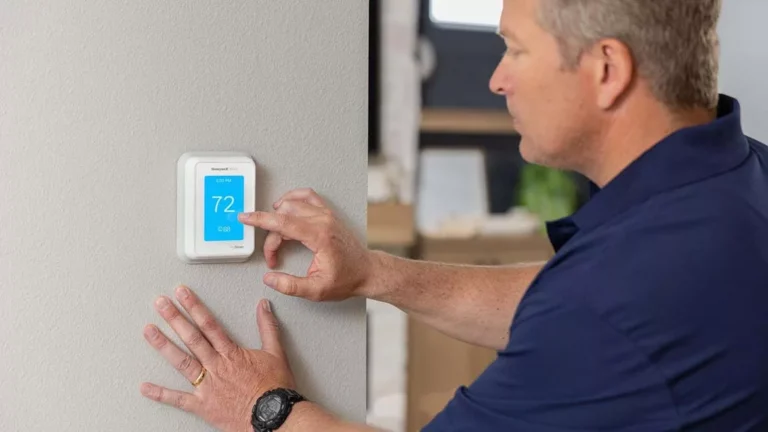
The Nest Hub acts as a central controller for smart devices. Through its dashboard, users can manage lights, thermostats, cameras, and locks without needing to switch between multiple apps.
This integration creates a streamlined smart home experience, where everything is controlled from one interface.
Digital Photo Frame
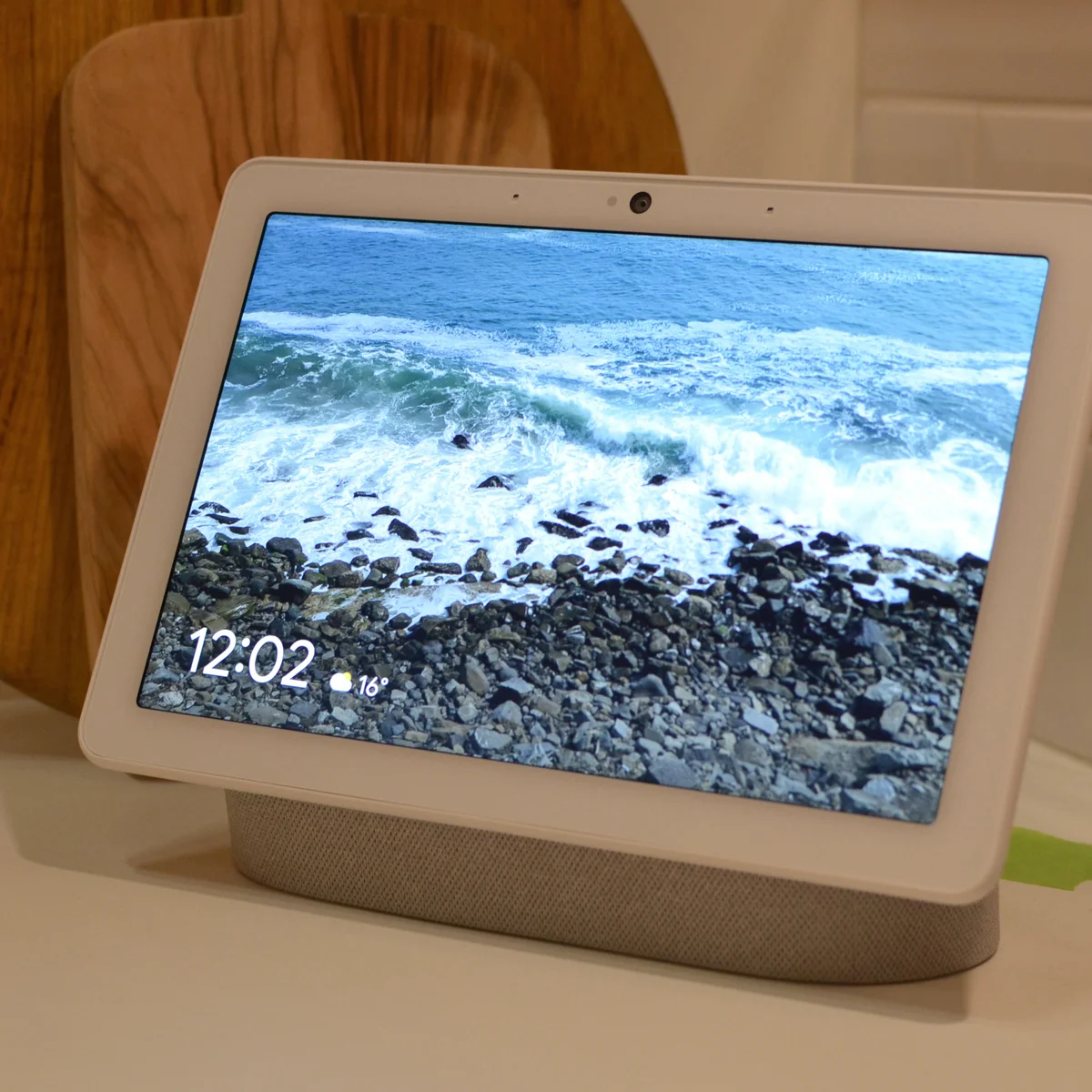
One of the Nest Hub’s most beloved features is its use as a digital photo frame. With integration to Google Photos, it displays personal photo albums, creating a warm and personalized atmosphere in the home.
It continuously updates with new photos, ensuring the display is dynamic and personal, rather than static.
Benefits of Using Nest Hub
Centralized Smart Home Management
The Nest Hub simplifies managing a smart home. Instead of relying on different apps or devices, users can control everything from one place, making it easier to coordinate lighting, climate, and security.
This centralized system enhances both convenience and efficiency, reducing the friction of managing multiple connected devices.
Enhanced Daily Productivity
From setting reminders and alarms to checking traffic updates and calendar events, the Nest Hub streamlines daily routines. The visual interface helps users stay on track with tasks, improving productivity and reducing stress.
It becomes a personal assistant that adapts to the household’s daily rhythm.
Family-Friendly Features
The Nest Hub caters to family needs with features like bedtime routines, video playback, and hands-free assistance. It also offers parental controls and filters, ensuring a safe environment for children.
Its photo frame function also connects family members emotionally, displaying cherished memories throughout the day.
Real-World Examples of Nest Hub in Action
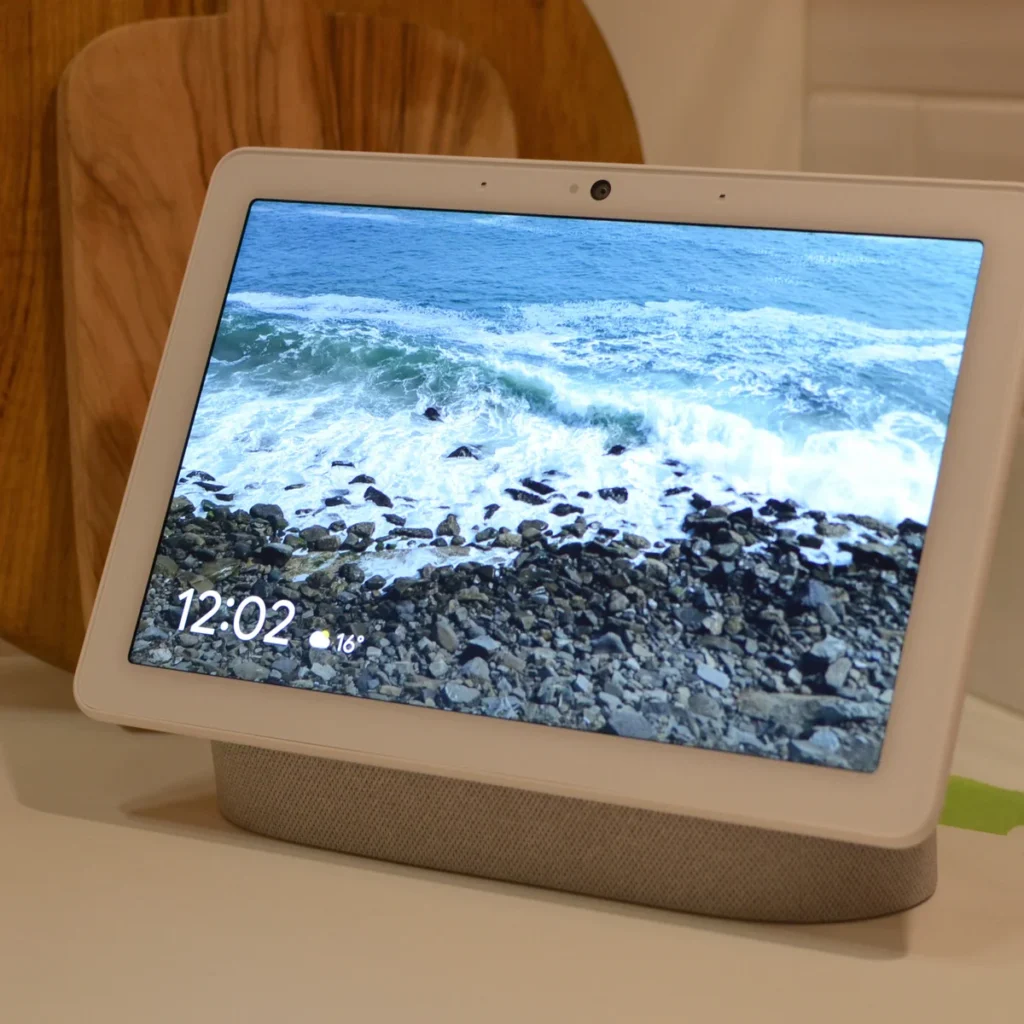
Google Nest Hub (2nd Gen)
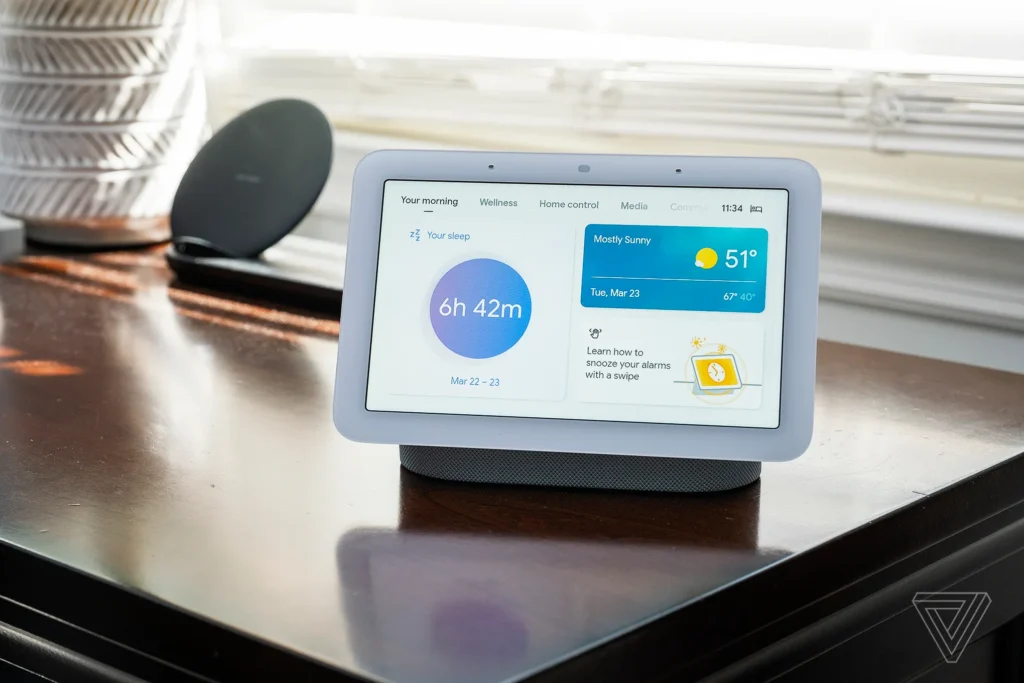
The second-generation Nest Hub includes improved audio, faster processing, and sleep tracking features. Its ability to analyze sleep patterns through motion sensors adds value beyond entertainment and smart control.
This version is particularly useful for bedrooms, where sleep insights and personalized alarms enhance wellness routines.
Google Nest Hub Max
The Nest Hub Max features a larger screen and built-in camera, making it ideal for video calls, home monitoring, and multi-user experiences. Face recognition provides personalized responses for each household member.
Its larger display also enhances video streaming and smart device control, making it the centerpiece of a connected living room or kitchen.
Nest Hub as a Kitchen Companion
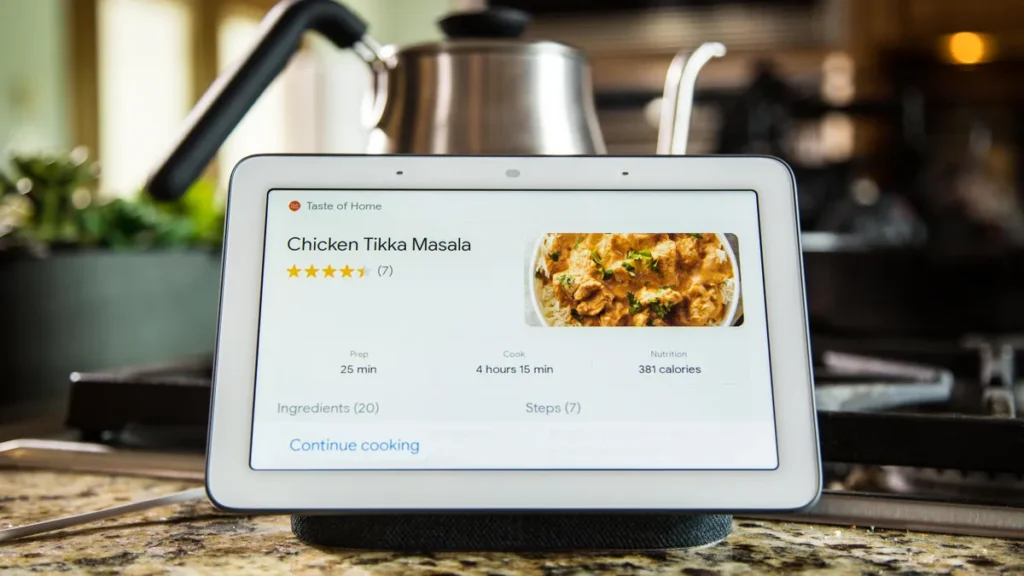
In the kitchen, the Nest Hub becomes an invaluable assistant. It provides hands-free access to recipes, step-by-step cooking instructions, and timers. The ability to watch cooking tutorials on YouTube while preparing meals elevates its usefulness.
This use case highlights how the device integrates seamlessly into everyday tasks, making complex activities easier.
Nest Hub as a Home Security Monitor
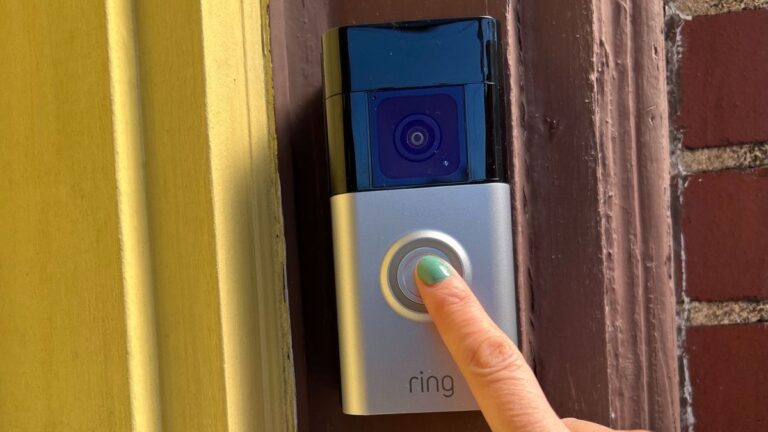
When paired with Nest Cams and Nest Doorbells, the Nest Hub acts as a live security monitor. Users can view video feeds directly on the display, enhancing situational awareness and safety.
This integration ensures homeowners always have an accessible overview of their property’s security status.
Practical Use Cases for Nest Hub
Improving Sleep Quality
With its motion-sensing sleep tracking, the Nest Hub provides insights into sleep patterns and offers personalized recommendations for better rest. It can also play soothing sounds or dim smart lights to create an ideal sleep environment.
This makes it a powerful tool for households focused on health and wellness.
Streamlining Morning Routines
The Nest Hub can start the day with weather updates, news briefings, and calendar reminders—all displayed visually. This routine helps users prepare for the day efficiently without needing multiple devices.
It creates a smoother, more organized start to the day, reducing stress and increasing productivity.
Enhancing Family Communication
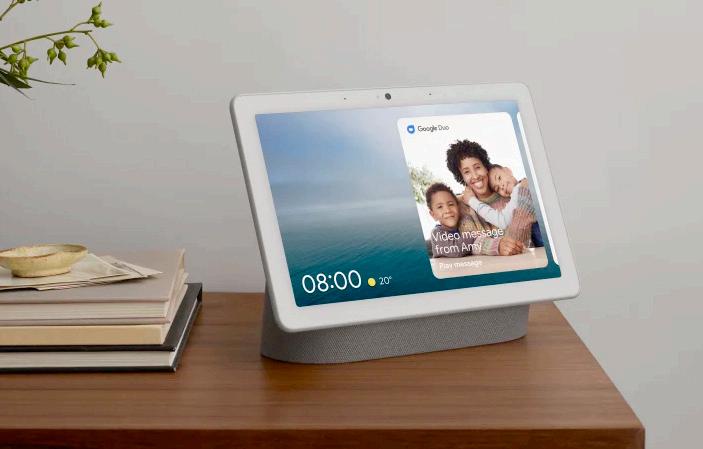
With features like Google Duo or Meet integration on the Nest Hub Max, families can easily connect through video calls. This is especially valuable for staying in touch with relatives or coordinating with family members throughout the home.
It transforms the Nest Hub into more than a device; it becomes a family communication hub.
Creating a Smart Home Command Center
The Nest Hub consolidates control of all connected devices, turning it into the brain of the smart home. Users can adjust lighting, monitor security, and even control thermostats, all from the touchscreen interface.
This functionality enhances the sense of control and convenience, making home management more seamless than ever.
Why Nest Hub is Useful in Real Life
The Nest Hub addresses real-world challenges such as managing busy schedules, staying connected with loved ones, monitoring home security, and improving wellness routines.
Its versatility allows it to adapt to different rooms and purposes, whether as an entertainment hub, a security monitor, or a productivity assistant. This adaptability makes it not just a gadget, but a valuable part of everyday life.
Frequently Asked Questions
1. Does the Nest Hub work without other Google Nest devices?
Yes, the Nest Hub functions independently, offering features like entertainment streaming, Google Assistant, and photo display. However, its value increases when integrated with other smart devices.
2. Can the Nest Hub make video calls?
The Nest Hub Max supports video calls with its built-in camera. The standard Nest Hub (2nd Gen) does not include a camera but still allows voice calls via supported apps.
3. Is the Nest Hub suitable for kids?
Yes, the Nest Hub includes parental controls and filters, making it safe for children. Parents can manage access to content and ensure the device is family-friendly.