Google Nest Hub: Complete Guide, Features, Benefits, and Real-World Examples
The Google Nest Hub is one of the most versatile smart displays in the market, seamlessly blending the functions of a digital assistant, media player, and home automation controller. It is designed to bring convenience, entertainment, and information to your fingertips or simply by your voice.
Originally launched as the Google Home Hub, the Nest Hub has since become an integral part of the Google smart ecosystem. By integrating Google Assistant with a vibrant touchscreen, it offers both visual and voice interactions. Whether you want to check the weather, play music, control smart devices, or follow recipes, the Nest Hub serves as a central hub for a connected lifestyle.
Unlike traditional smart speakers, the Nest Hub’s display adds a layer of functionality that makes everyday living smoother. From monitoring home security cameras to viewing family photos, it is more than just a voice assistant; it’s a companion for modern households.
How Google Nest Hub Works
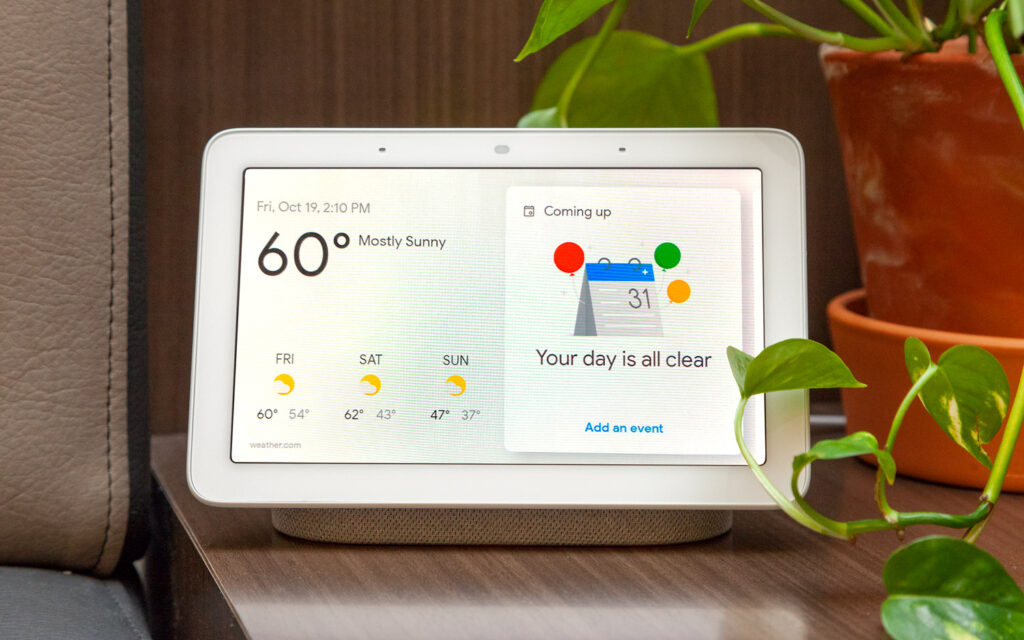
At its core, the Nest Hub is powered by Google Assistant, which enables hands-free operation through voice commands. With built-in Wi-Fi connectivity, the device integrates with other smart home devices, online services, and apps.
The 7-inch or 10-inch touchscreen (depending on the model) offers intuitive interaction, allowing users to swipe through menus, stream videos, or view real-time device statuses. For example, you can see which lights are on, check your thermostat settings, or view live feeds from smart cameras all on one dashboard.
Beyond its smart home control, the Nest Hub doubles as an entertainment device. It connects with YouTube, Spotify, Netflix, and other platforms, making it ideal for streaming content. At the same time, it’s built-in sensors and advanced software allow it to adapt to different lighting conditions, ensuring the display looks natural in any room.
Benefits of Google Nest Hub
Voice and Visual Convenience
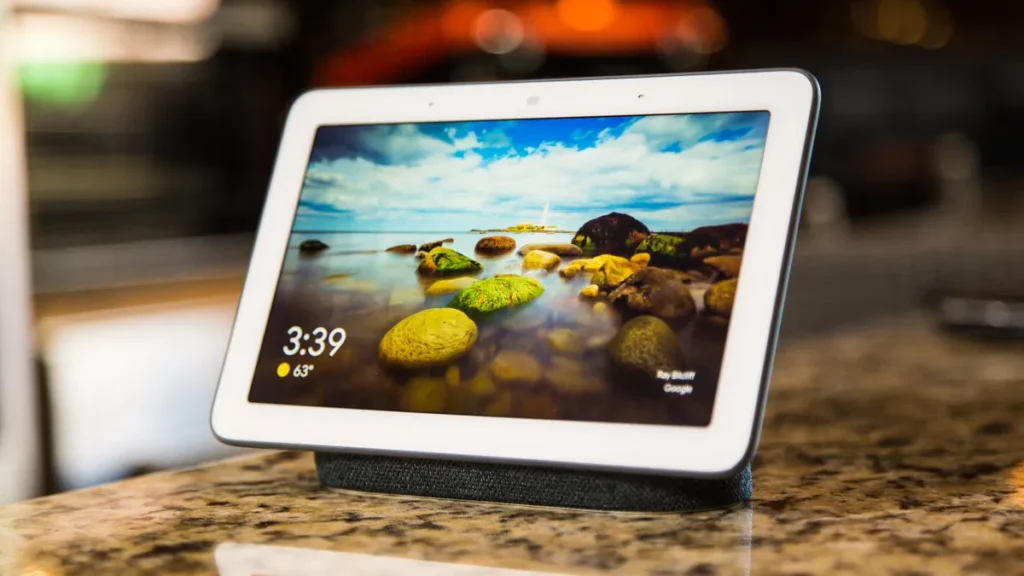
The Nest Hub provides a unique combination of voice control and visual interaction. While smart speakers can only respond audibly, the Nest Hub enhances usability by displaying relevant information on its screen. For instance, if you ask for a recipe, you don’t just hear instructions; you see step-by-step visuals.
This dual interaction model makes multitasking much easier. Whether you’re cooking, working, or entertaining, you can rely on the Nest Hub to provide both quick answers and visual clarity without switching devices.
Smart Home Control Made Easy
One of the main benefits of the Google Nest Hub is its ability to act as a centralized hub for smart devices. Lights, locks, thermostats, and cameras can all be controlled from the display or through voice commands.
For example, instead of opening multiple apps, you can access all devices on the Nest Hub’s dashboard. This simplified management makes it particularly valuable for families or households with multiple connected gadgets.
Entertainment and Media Integration
Entertainment is at the heart of the Nest Hub experience. With YouTube and Netflix streaming, users can enjoy videos directly on the display or cast them to larger screens. Music lovers can link their favorite streaming apps and enjoy room-filling audio with just a voice command.
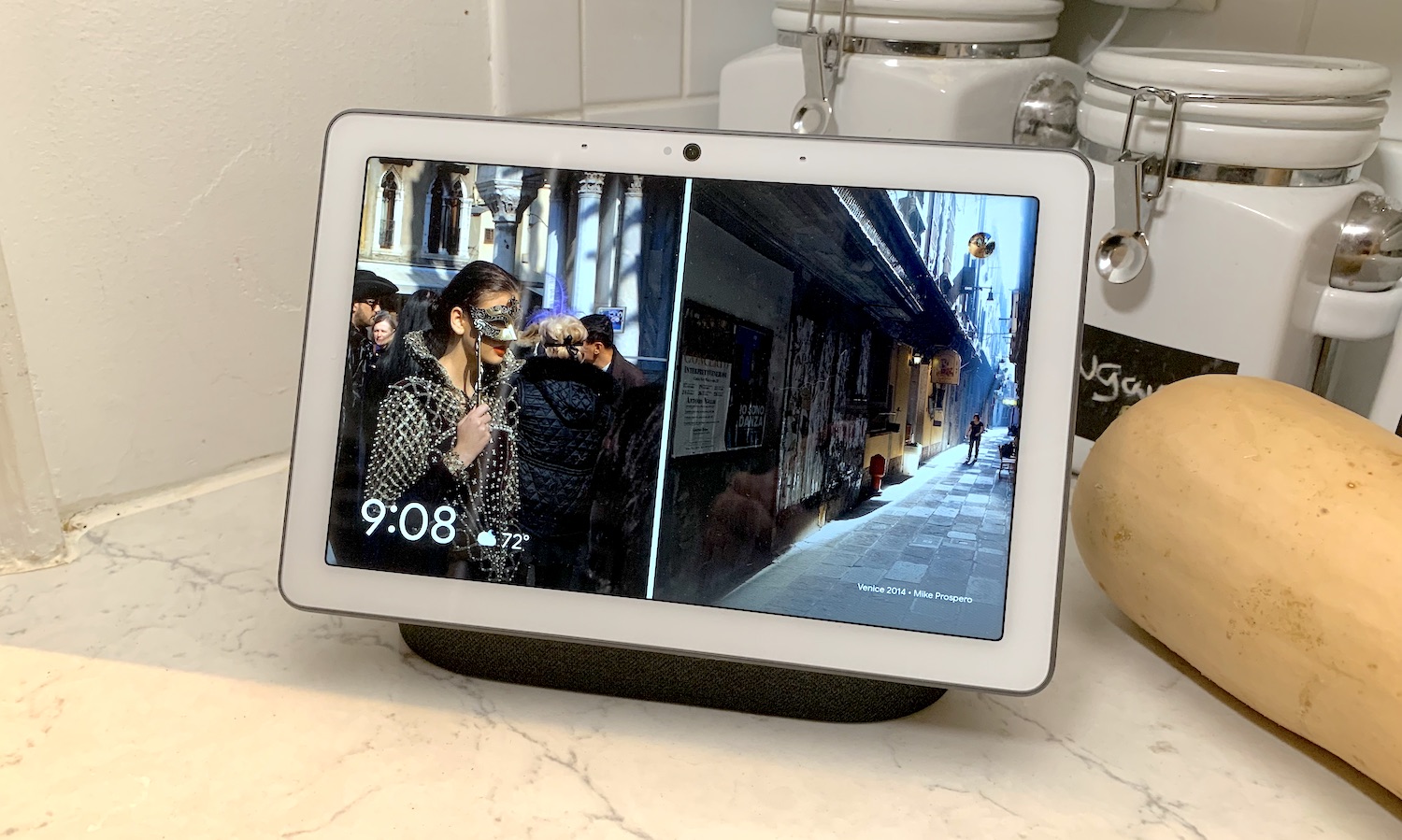
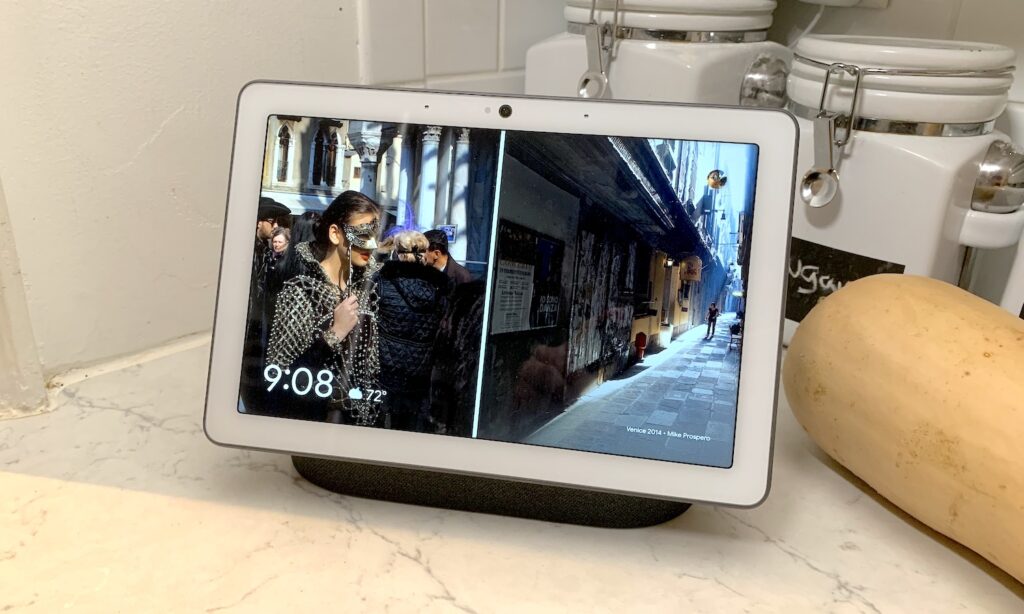
The Nest Hub also serves as a digital photo frame, displaying pictures from Google Photos. This makes it a more personal device compared to traditional smart speakers, adding emotional value to its everyday functionality.
Security and Peace of Mind
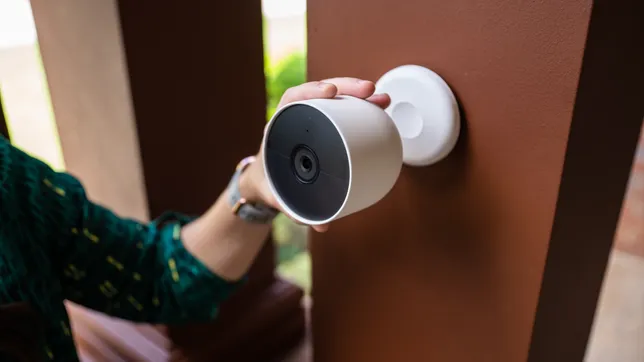
By integrating with smart security systems, the Nest Hub can display live camera feeds, show who’s at the door, and provide real-time notifications. This ability to see what’s happening in your home enhances safety and peace of mind.
For example, when paired with a Nest Doorbell, you can instantly view visitors at your front door without needing your phone. These integrations demonstrate the practical security benefits of having a display-enabled hub.
Real-World Examples of Google Nest Hub Devices
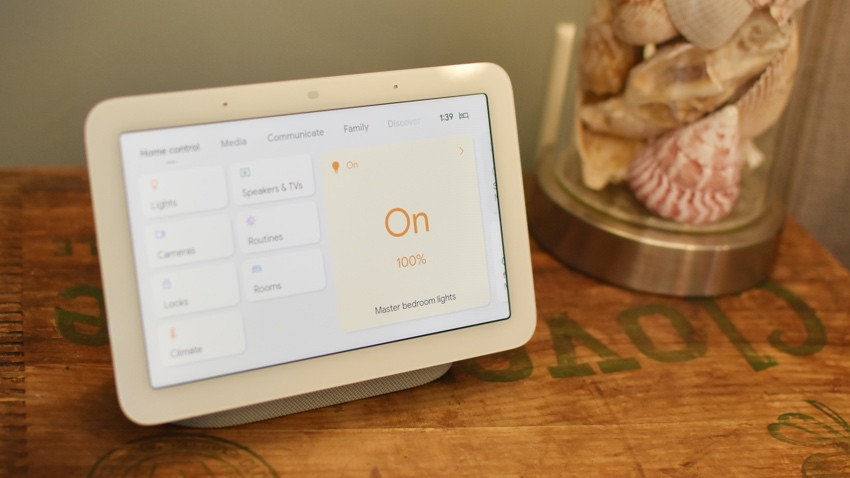
Example 1: Google Nest Hub (2nd Gen)
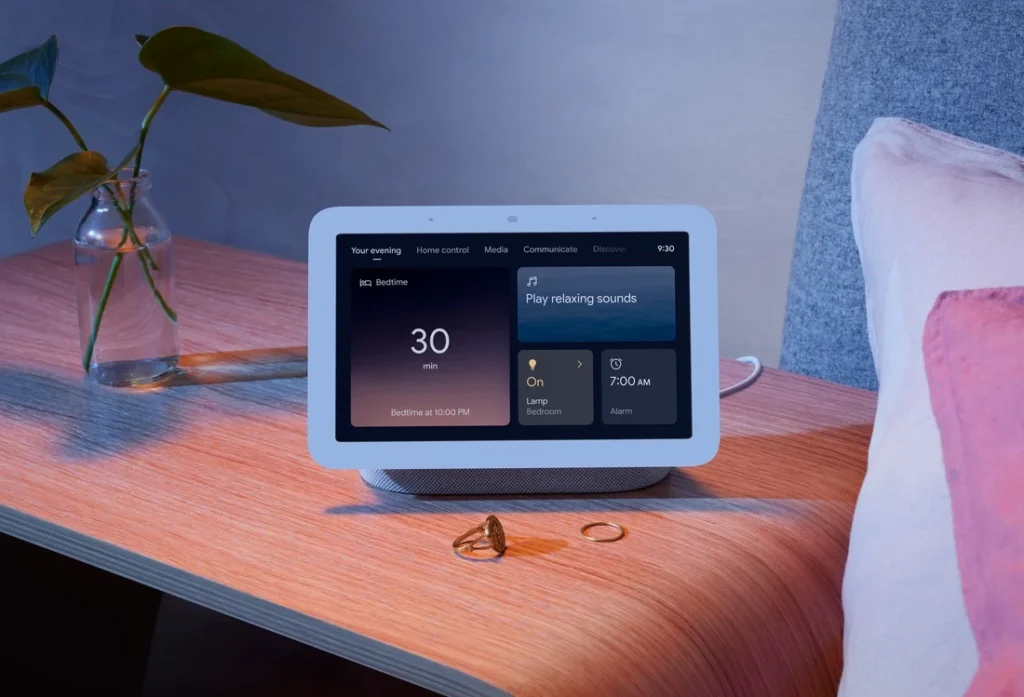
The second-generation Nest Hub improved upon the original model with enhanced audio quality, better display technology, and innovative sleep tracking features. It uses Motion Sense, powered by Soli radar technology, to monitor sleep patterns without requiring a wearable.
A family in Seattle found this feature particularly useful for improving their child’s sleep schedule. They used the Nest Hub to track sleep quality, create bedtime routines, and adjust bedroom lighting for healthier habits. This shows how the Nest Hub extends beyond convenience into wellness.
Example 2: Google Nest Hub Max
The Nest Hub Max comes with a larger 10-inch display and an integrated camera, making it a more advanced option for households. It supports video calls through Google Duo and Google Meet, turning it into a communication hub for families.
For example, a professional working remotely in New York uses the Nest Hub Max for daily video conferences while also managing their household devices. The combination of smart home control and communication makes it an essential multitasking tool.
Example 3: Nest Hub in the Kitchen
One of the most common real-world applications of the Nest Hub is in the kitchen. A couple in Los Angeles uses their Nest Hub to display recipes while cooking. With voice commands, they can pause, skip steps, or set timers without touching the screen.
This hands-free utility is invaluable in situations where convenience and hygiene are important. Beyond cooking, they also use the Nest Hub to play music while dining, adding a seamless layer of entertainment.
Example 4: Nest Hub as a Photo Frame
For many families, the Nest Hub doubles as a personalized digital photo frame. By syncing with Google Photos, it automatically displays recent memories and curated albums.
In one household, grandparents enjoy seeing photos of their grandchildren updated daily without anyone having to manually upload them. This feature transforms the Nest Hub into a heartwarming display that connects families emotionally across distances.
Example 5: Nest Hub for Accessibility
The Nest Hub is also a valuable tool for individuals with disabilities. Voice commands allow users with mobility challenges to control lights, access information, and make calls without physical effort.
A user with limited mobility in Texas relies on the Nest Hub to manage daily routines, stay connected with family, and even control medical reminder alerts. This demonstrates its importance in improving accessibility and independence.
Practical Use Cases of Google Nest Hub
Daily Household Routines
The Nest Hub simplifies routine management by combining multiple tasks into one action. For instance, saying “Good morning” can trigger the lights to turn on, display the day’s schedule, and play the latest news. This routine-building capability helps streamline mornings for busy families.
Professional Productivity
For professionals working from home, the Nest Hub acts as both an assistant and a meeting device. With calendar integrations and Google Meet support (Nest Hub Max), it ensures that meetings, reminders, and tasks are always in sync.
Family Entertainment
From playing music to streaming videos, the Nest Hub transforms family gatherings. Parents can quickly play cartoons for kids, or couples can enjoy YouTube cooking tutorials together. The device adapts to different entertainment needs with minimal effort.
Elderly Support
The Nest Hub is particularly valuable for elderly users who may struggle with smartphones. With its simple voice commands and visual clarity, it becomes an easy-to-use tool for making calls, checking reminders, and controlling smart devices. This accessibility feature helps older adults maintain independence.
Why Google Nest Hub Is Useful in Real Life
The true usefulness of the Google Nest Hub lies in its versatility. It adapts to different lifestyles, whether it’s simplifying family routines, enhancing productivity, or supporting elderly users. Its ability to combine entertainment, information, and smart home control into one device makes it highly practical.
By bridging voice and visual interaction, the Nest Hub offers an experience that neither smart speakers nor tablets can fully replicate. It transforms how people manage their homes, consume media, and interact with loved ones, proving its value across diverse real-world scenarios.
Frequently Asked Questions
1. Does Google Nest Hub have a camera?
The standard Nest Hub (including the 2nd Gen model) does not include a camera for privacy reasons. However, the Nest Hub Max features a built-in camera for video calls and additional functionality.
2. Can the Nest Hub work with non-Google smart devices?
Yes. The Nest Hub is compatible with thousands of third-party devices such as Philips Hue lights, smart plugs, thermostats, and security cameras, making it versatile across ecosystems.
3. Is the Google Nest Hub safe for privacy?
Google includes several privacy controls, such as physical microphone mute switches, customizable settings, and data management options. Users can review and delete activity data at any time.